What is the Assure COVID-19 Management tool?
The Assure COVID-19 Management tool lets you track the COVID-19 vaccination and test status of your employees.
Overview - How does it work?
- Employees and their manager can submit their vaccine status, with proof, or provide a Covid test update on AssureGO+
- The tool tracks status and generates reminder emails
- Manager can run quick reports to get an overview of the compliance status of their employees.
How are employees added to the COVID-19 tracking workflow?
When the COVID-19 Management tool is activated in Assure, any Assure or AssureGo+ users already in the system will automatically be enrolled.
You may need to add additional users via the user management set up. Bulk user upload is available.
If there are any issues with this sync, the user can use the Sync button on the User COVID-19 Status screen to add them.

How can I enter a COVID-19 test or vaccination for an employee or view a record that someone already submitted?
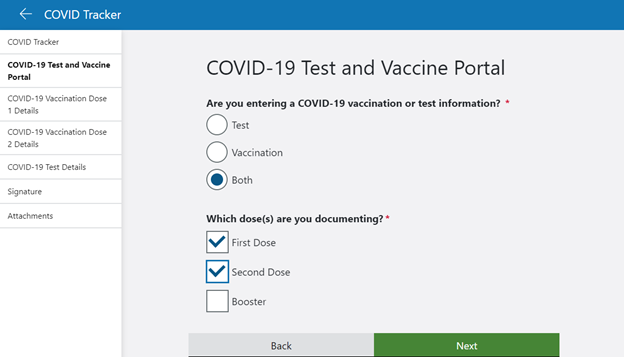
The list of submitted forms and Assure record entry is available in the COVID-19 Management screen in the People module. The form is not configurable.
Can my employees complete the COVID-19 form in AssureGO+?
Yes, the COVID-19 test and vaccination form may be added to AssureGO+. Please note that this is only available for authenticated instances of AssureGO+ and may not be edited. Users need to login in order to complete the form.
How is compliance calculated?
Compliance is achieved based on being fully vaccinated or having a negative COVID-19 test within the past 7 days. For these calculations, fully vaccinated means that at least 14 days have passed since the final dose in your vaccine series.
How do employees know if they when they need another test?
Assure will send automated emails to users when they are coming due for a test and then again when they are past due for a test.
How can I tell the compliance status of my employees?
Compliance status is available in the new User COVID-19 Status screen or in the the COVID-19 status quick report.
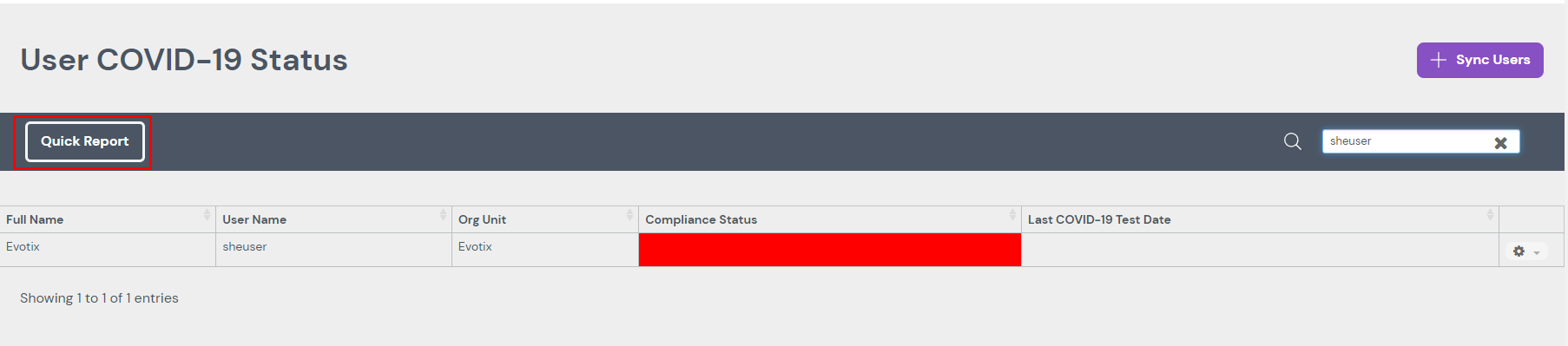
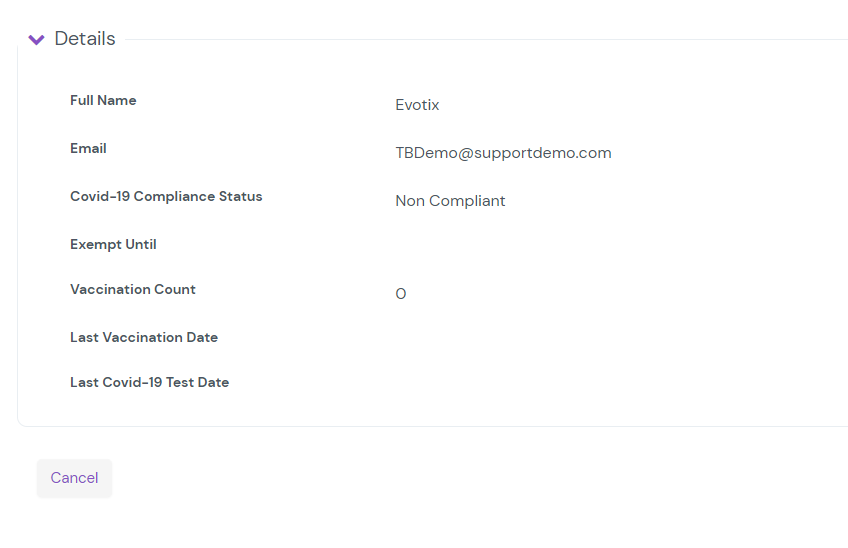
The User COVID-19 Status Detail screen for a specific individual will show the compliance status, total number of vaccinations, date of last vaccination, and date of last COVID-19 test. Click the cog on the table and select detail to view this screen.
I have employees who are exempt from my vaccination or test requirement. How do I remove them from the COVID-19 workflows?
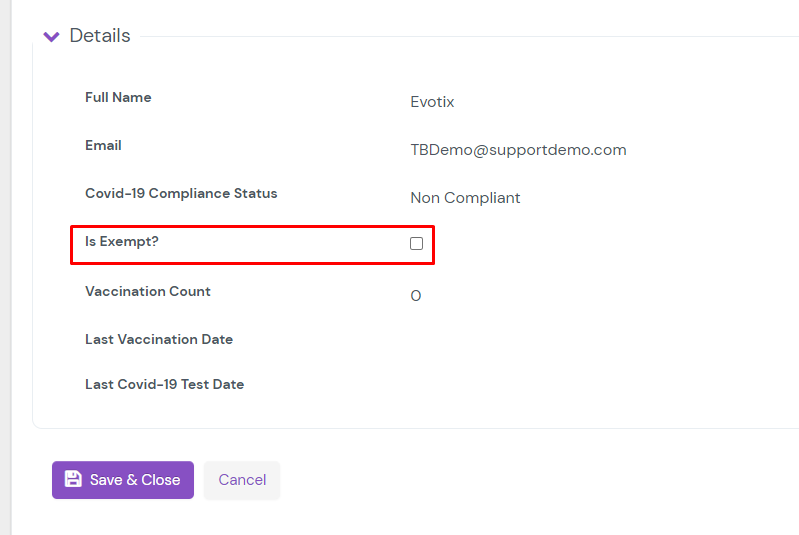
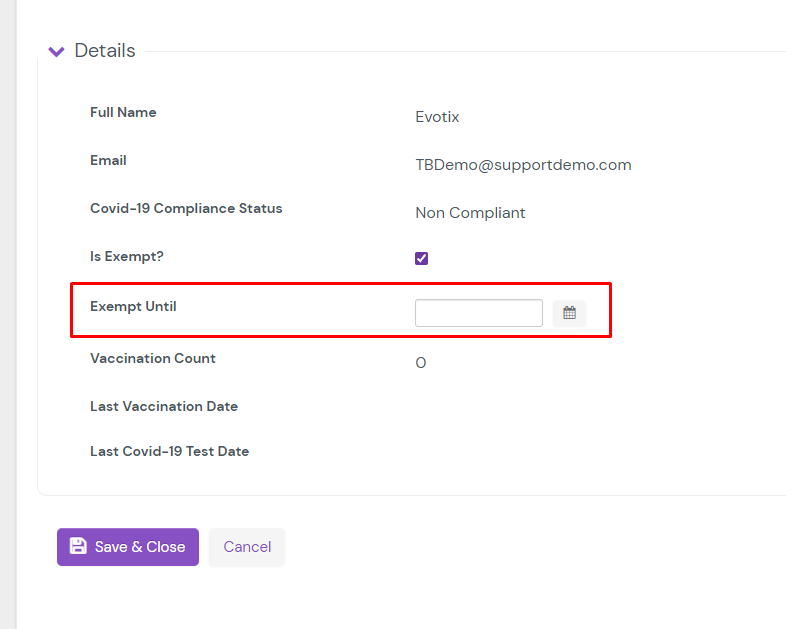
Individuals can be marked exempt on their record in the User COVID-19 Status Edit screen. They will remain exempt until the checkbox is unchecked or until the exempt date passes. This date can be seen when the checkbox is selected.