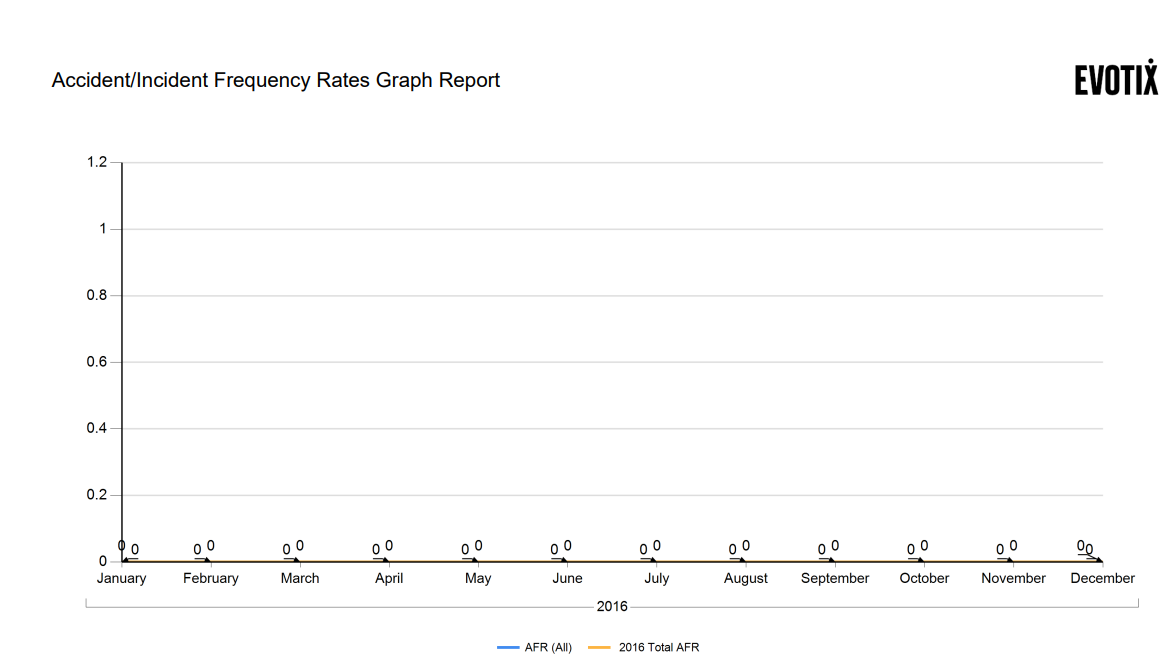
Accident Incident Frequency Rates
The Accident Incident Frequency Rates section allows you analyse your incidents for a specific Org Unit over a particular year period.
The system calculates [All] Accident Frequency Rate (AFR), [Lost Time] Accident Frequency Rate (AIR), [Reportable] Accident Frequency Rate (AIR), Accident Severity Rate (ASR).
To include an Org Unit in your Accident Incident Frequency Rates,
go to Settings and Organisational Units.
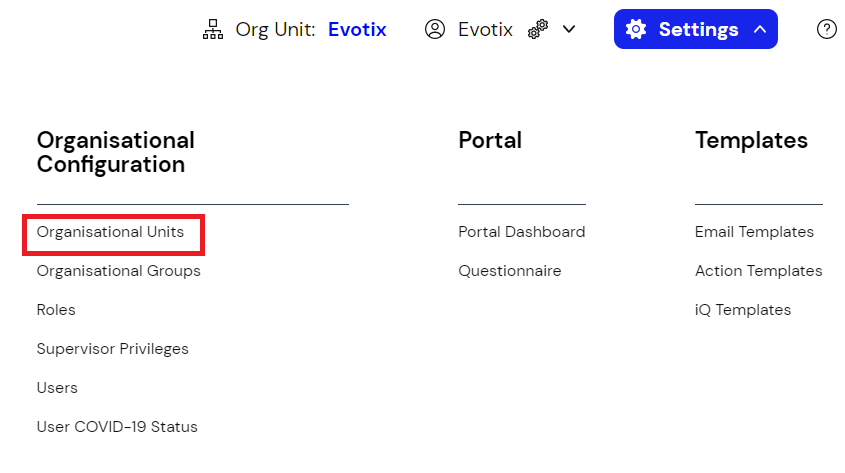
Select the Org Unit from the list and Edit.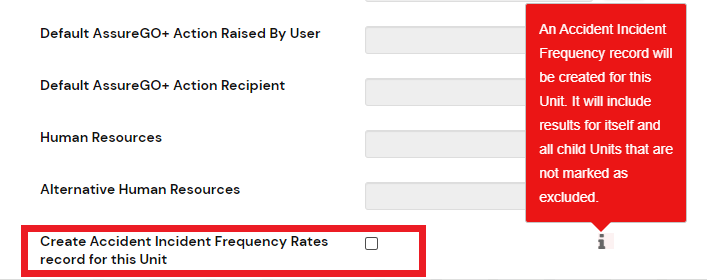
Please Note that the AIR record for the Org Unit will be created during the overnight process and will not be visible straight away.
Go to Accident Incident Frequency Rates Module
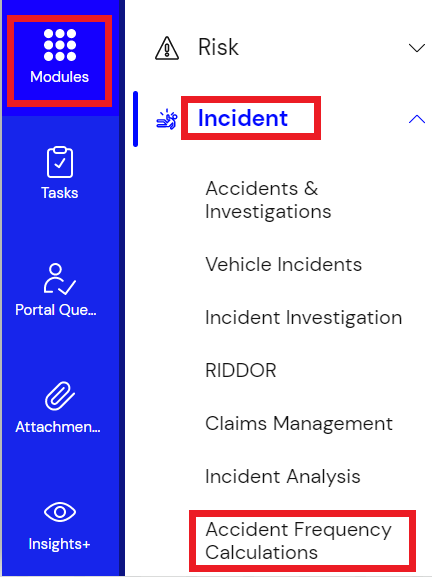
Your new record will appear in the list after the overnight process has taken place.

To complete the analysis, click Edit and add in the information detailed below.
Once you have entered the information save the changes and the calculations will take place overnight.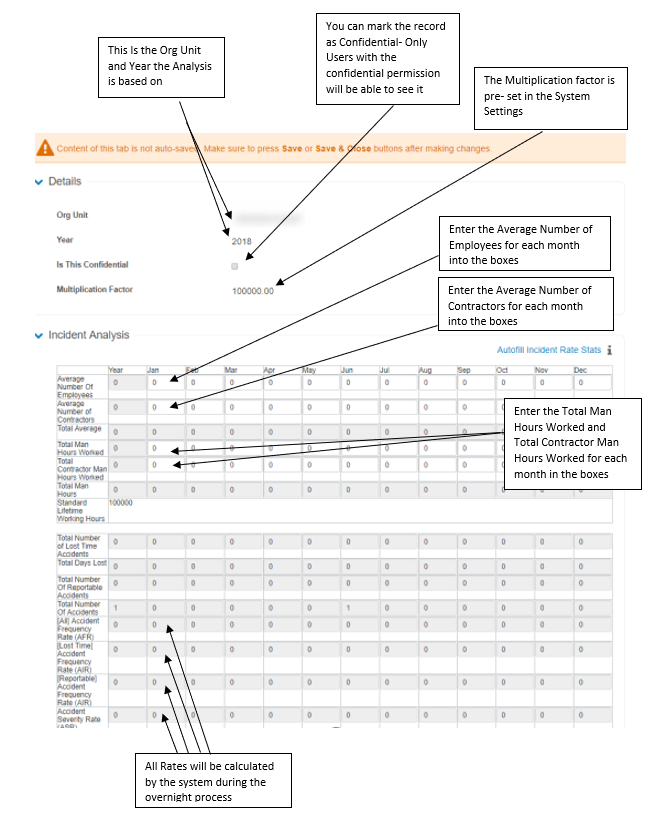
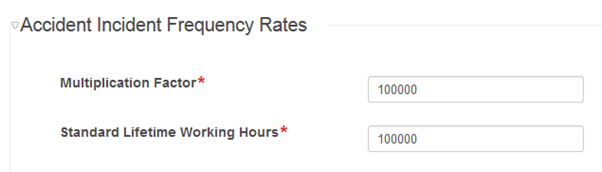
In Settings > System Configuration > System Settings.

You can set the Multiplication Factor and Standard Lifetime Working Hours here which will feed back to the module.
You can create reports for your figures by clicking Reports and selecting the type of report from the drop-down menu.
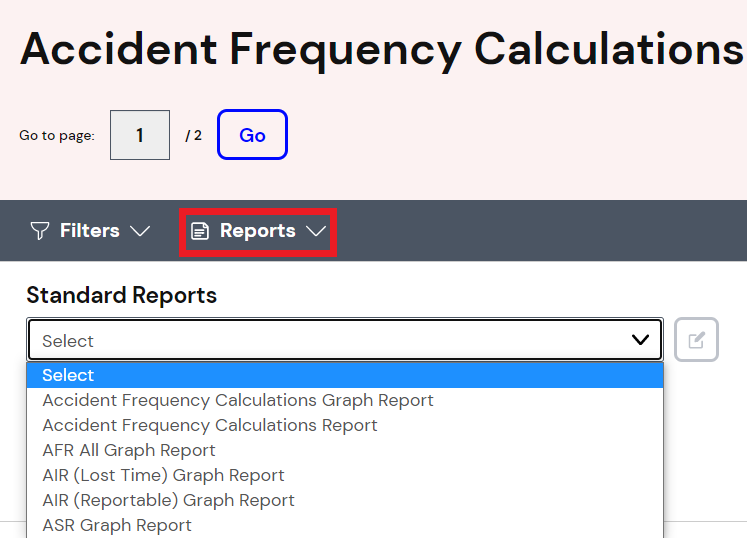
Standard Report Examples: